Ford's Folly Font Family
Uploaded by Nielson Caetano 𑁋 (4 Styles)

Free for personal use
Jim Ford

Description
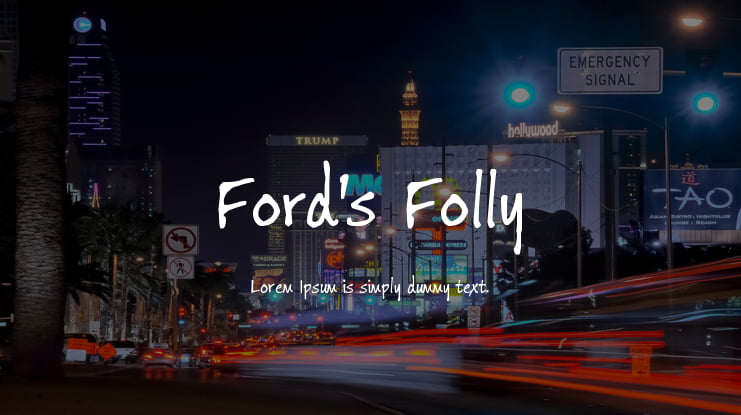
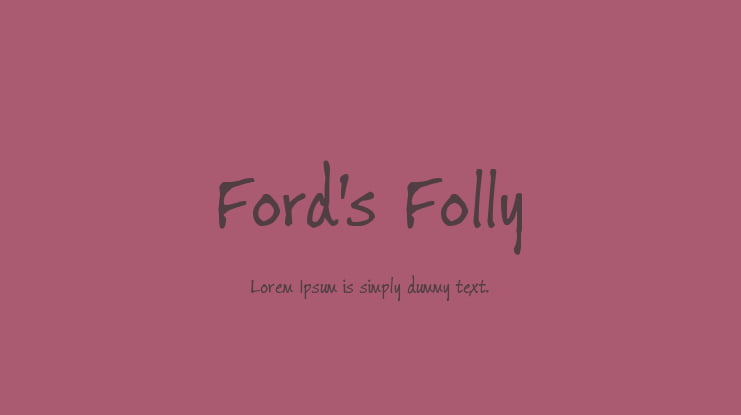
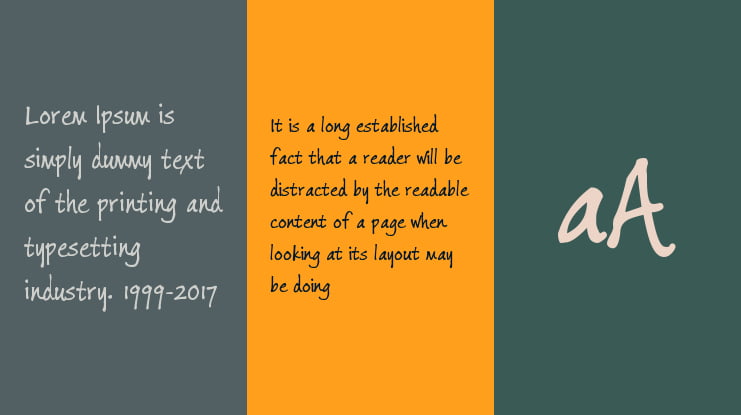
The Ford’s Folly™ typeface family is an exceptional suite of fonts.
The three-weight family, designed by Monotype Studio designer Jim Ford, has the spontaneity, verve and spirit of handwriting – and much more.
Based on Ford’s handwriting with a fine point Sharpie® pen, the design includes a Pan-European character set that supports most Central European and many Eastern European languages.
In addition, Ford drew multiple designs for each character to enable the setting of realistic handwritten copy.
Along with these, fonts of Ford’s Folly contain ligatures, small caps, arrows – even scribbles.
There is also a font called "Ink Journal", which is available for free download on the Microsoft Store, which is based on this font typeface.
Supported Languages
Unicode Blocks
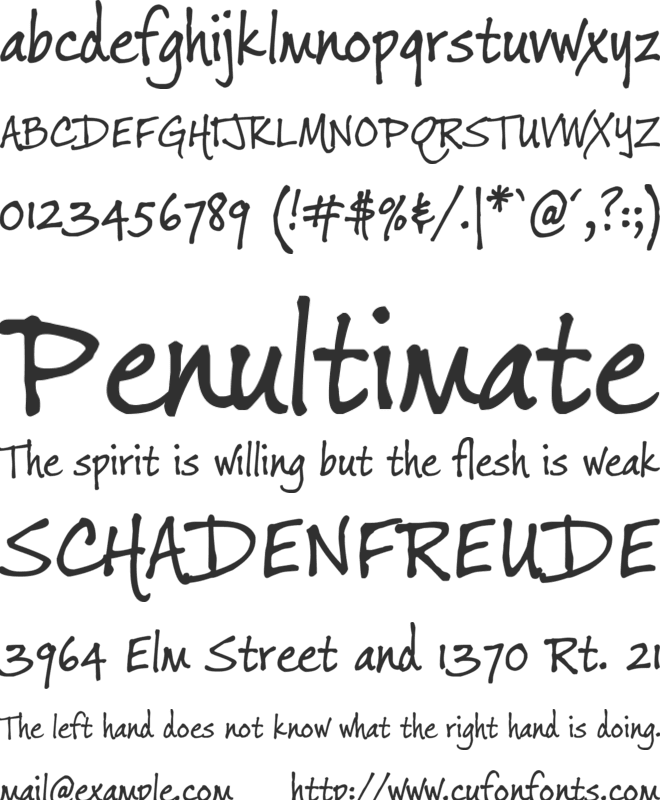
Ford's Folly Regular Ver 1.000 𑁋 Modified at Jan 21, 2016

Ford's Folly Italic Ver 1.000 𑁋 Modified at Jan 21, 2016

Ford's Folly Bold Ver 1.000 𑁋 Modified at Jan 21, 2016

Ford's Folly Bold Italic Ver 1.000 𑁋 Modified at Jan 22, 2016

License
This font software is the property of Monotype Imaging Inc., or one of its affiliated entities (collectively, Monotype) and its use by you is covered under the terms of a license agreement. You have obtained this font software either directly from Monotype or together with software distributed by one of the licensees of Monotype. This software is a valuable asset of Monotype. Unless you have entered into a specific license agreement granting you additional rights, your use of this software is limited by the terms of the actual license agreement you have entered into with Monotype. You may not copy or distribute this software. If you have any questions concerning your rights you should review the license agreement you received with the software. You can learn more about Monotype here: www.monotype.com
Ford's Folly is a trademark of Monotype Imaging Inc. and may be registered in certain other jurisdictions.
Copyright © 2016 Monotype Imaging Inc. All rights reserved.
Before using this font, please carefully check the information provided under the license heading. The texts under the license heading are automatically generated from the font itself and may sometimes be incomplete. It is your responsibility to research the license information regarding the usage rights of the font you have downloaded. Protecting the intellectual property rights of font creators is of great importance; using a copyrighted and commercial font for free is illegal.
At CufonFonts, we attach great importance to intellectual property rights. If you believe that this typeface violates copyright laws and is not legal, please inform us for the removal or revision of the typeface. The legal authority of the typeface can make a request by using the "Report Violation" button above.
You can also use the links below to check the legal or commercial status of this font;
MyFonts.com Fonts.com
Your download will begin in a moment.
If it doesn't, restart the download.
Users who viewed this font also viewed


Free for personal use
Add to List
Free for commercial use
Add to List
Free for personal use
Add to List
Newly added fonts

Free for personal use
Add to List
Free for personal use
Add to List
Free for personal use
Add to List
Free for personal use
Add to List