ELITAS Font
Uploaded by zieme 𑁋 (1 Style)



Description
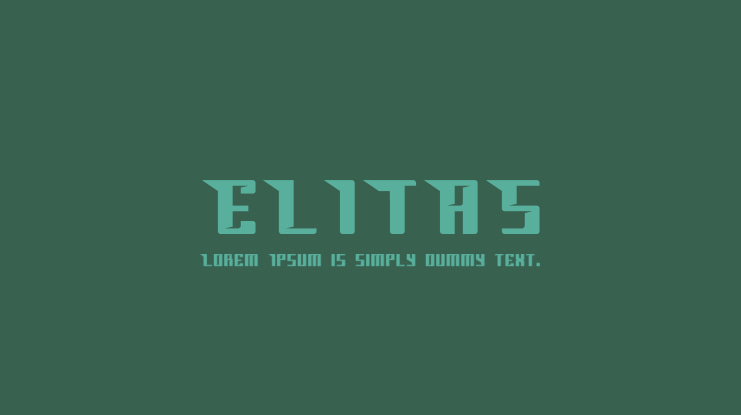
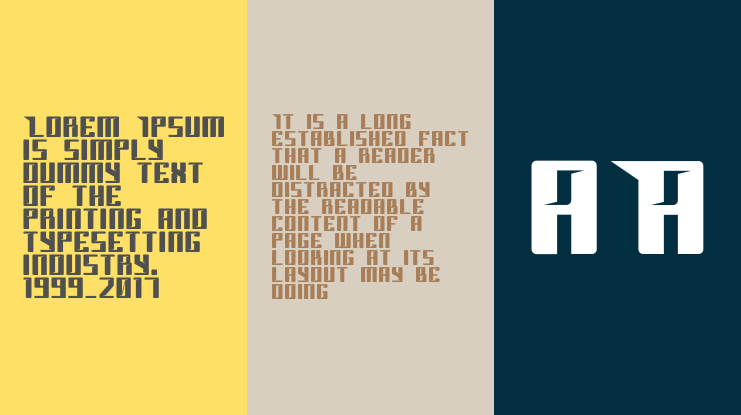
Elitas, is a font that has a futuristic, sturdy, and moving impression.
How to access alternate glyphs?
To access alternate glyphs in Adobe InDesign or Illustrator, choose Window Type & Tables Glyphs
In Photoshop, choose Window Glyphs. In the panel that opens, click the Show menu and choose Alternates for Selection. Double-click an alternate's thumbnail to swap them out.
Feel free to contact me if you have any questions!
Thank you! Enjoy!
Supported Languages
Unicode Blocks

ELITAS Bold Ver 1.000 𑁋 Modified at Dec 5, 2019

License
Before using this font, please carefully check the information provided under the license heading. The texts under the license heading are automatically generated from the font itself and may sometimes be incomplete. It is your responsibility to research the license information regarding the usage rights of the font you have downloaded. Protecting the intellectual property rights of font creators is of great importance; using a copyrighted and commercial font for free is illegal.
At CufonFonts, we attach great importance to intellectual property rights. If you believe that this typeface violates copyright laws and is not legal, please inform us for the removal or revision of the typeface. The legal authority of the typeface can make a request by using the "Report Violation" button above.
You can also use the links below to check the legal or commercial status of this font;
MyFonts.com Fonts.com
Your download will begin in a moment.
If it doesn't, restart the download.
Users who viewed this font also viewed

Free for personal use
Add to List
Free for personal use
Add to List
Free for personal use
Add to List
Free for personal use
Add to ListSimilar Fonts

Free for personal use
Add to List
Available for Commercial Use
Add to List
Available for Commercial Use
Add to List
Free for personal use
Add to ListNewly added fonts

Free for personal use
Add to List
Free for personal use
Add to List
Free for personal use
Add to List
Free for Personal Use
Add to List